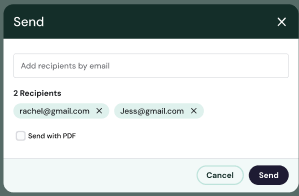
To send a PDF with your invoice you must first ensure that the billing contract has Attach the Invoice PDF to new invoice notification emails selected.
To do this, navigate to Clients, select the client, then select the billing contract you want to enable. Click on it. Once in the billing contract, navigate to the top right corner and click on the Edit button. 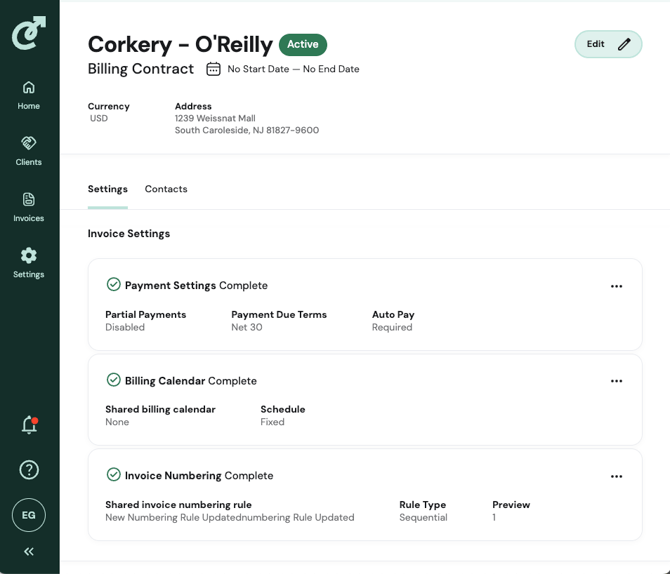
A dialog box will appear that contains editable fields. Scroll to the bottom to find and select the checkbox Attach the invoice PDF to new invoice notification emails. Click update.
Once the billing contract setting is set, the option to attach the PDF pops up once you click on the Send button.
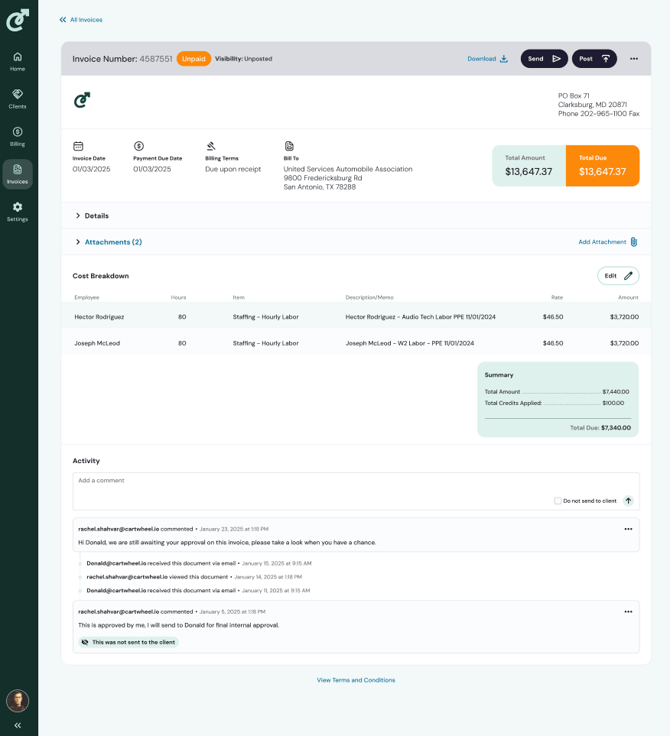
A dialog box will appear with the option to check the box and add recipients. Click Send to complete.