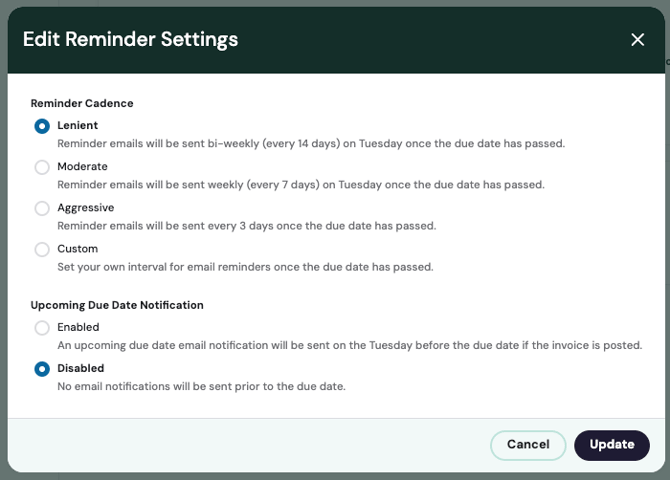
Choose the reminder cadence that makes the most sense for your business. To select a cadence navigate to Settings on the side navigation then General Settings. Once in General Settings click edit in the Reminder Settings section. A dialog box will appear where you can make your selection, and click update to finalize. There are four options for reminder cadences:
Lenient: Reminder emails are sent bi-weekly on Tuesday once the due date has passed.
Moderate: Reminder emails are sent weekly on Tuesday once the due date has passed.
Aggressive: Reminder emails are sent every 3 days once the due date has passed.
Custom: Once selected, a field to enter your customer amount of days will appear. The entry must be a numerical value. This number is used to send reminders every X days once the due date has passed.
Additionally, you can enable or disable due date notifications.