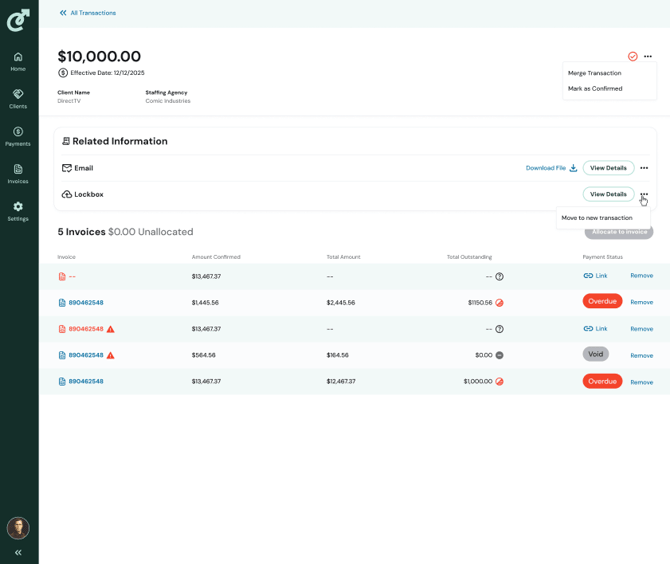
Transactions can only be moved if there is more than one entry in the Related Information section of the transaction and the transaction is unconfirmed. If 2 or more entries are present, you will see a 3-dot menu at the very left of the line item in Related Information. Click the 3 dots to open an expanded menu, then select Move to new transaction.
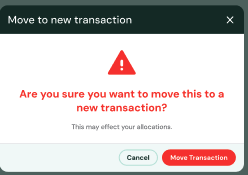
You will see a dialog box that confirms your choice. Click Move transaction. You will land on the transaction detail page of the moved transaction. Allocation is determined by the reminaing related information. The new transaction is generated from the payment details. The old transaction retains all other payment details.