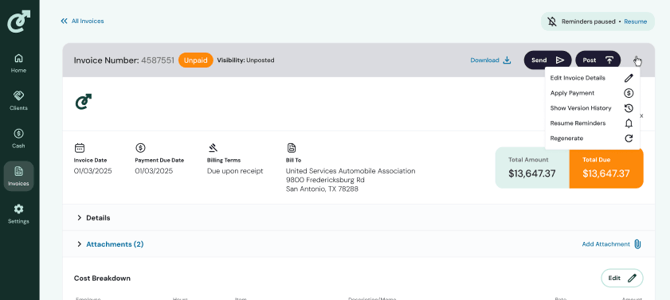
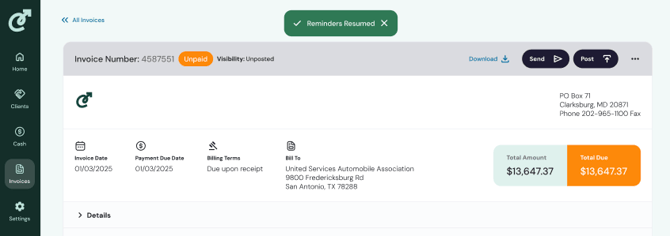
You can view and pause reminders for clients .
View paused invoice reminders
Click on the Invoices tab in the sidebar navigation. You will see the invoice list where you can filter based on a variety of criteria. Click on the toggle icon in the top right corner, it will open an extended menu of filtering options. You have the option to filter by Reminders Paused. Click the checkbox to filter. 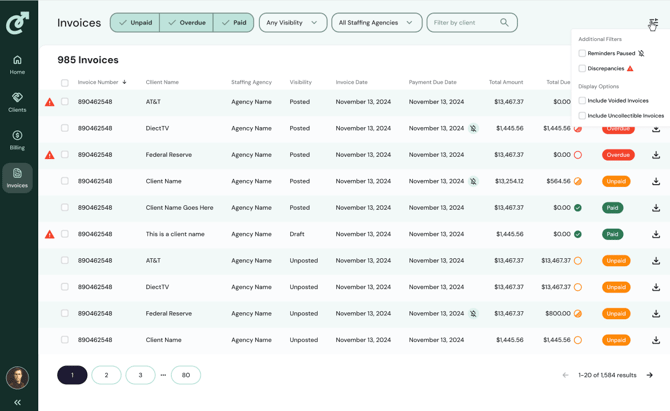
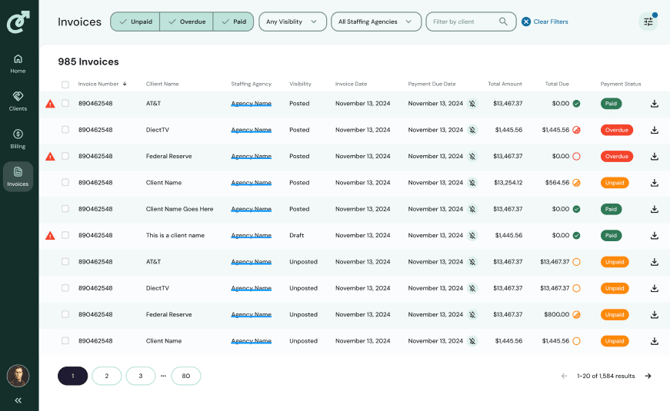
A filtered view:
Individually pause invoice reminders
Navigate to the Invoices tab from the sidebar navigation to see all invoices, or from a filtered view of all invoices with paused reminders. Select an invoice and click on it. In the top right of the invoice navigate to the 3 dots, which will open an extended menu. Select Pause Reminders.
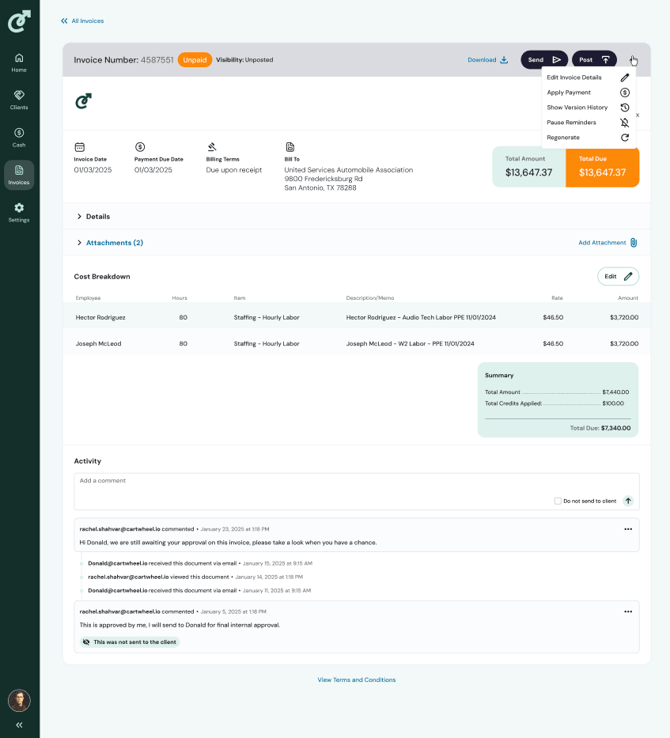
Once selected, you will see a pop-up confirmation that reminders are paused and remindes paused status will appear above the menu items on the top right. 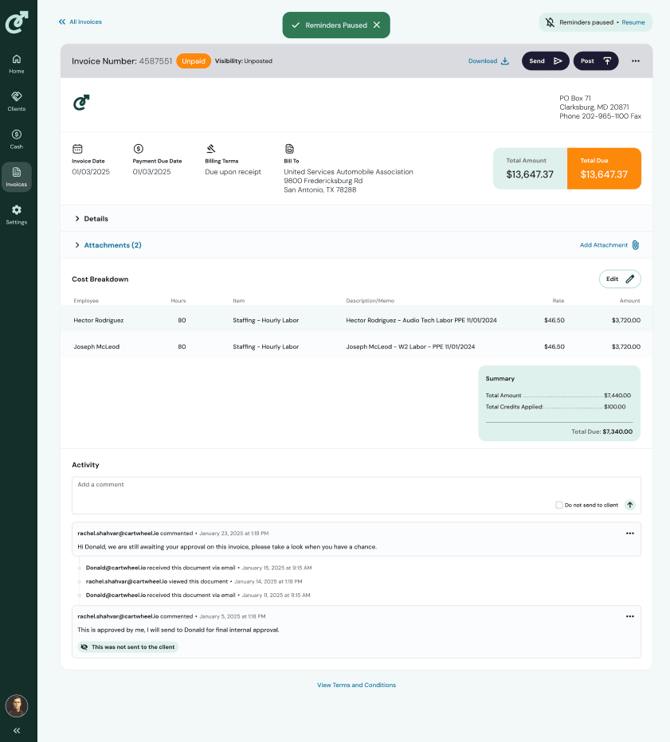
To resume reminders, navigate to the 3 dots and click Resume Reminders. You will see a pop up confirming reminders are resuming.