When a transactio is not confirmed the 3 dots menu expansion in the upper left corner of the transaction will have the option to Mark as Confirmed. 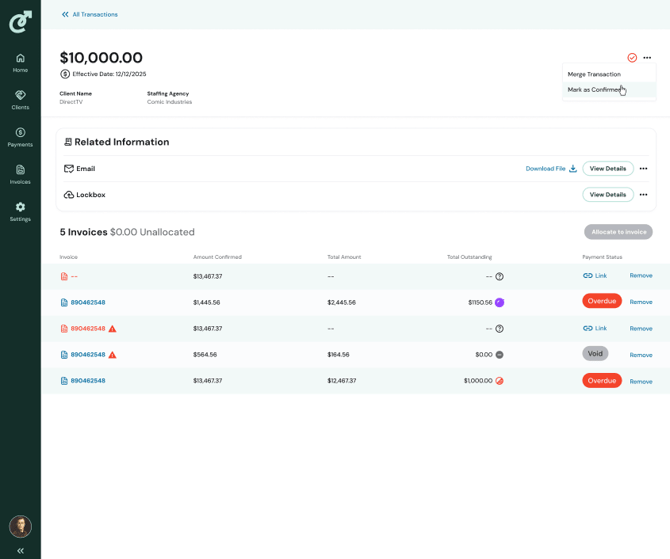
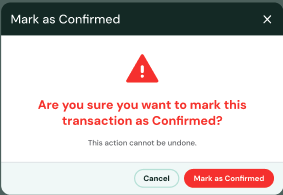
Clicking on Mark as Confirmed opens a dialog box that confirms your choice. You can select either to Mark as Confirmed, or Cancel.
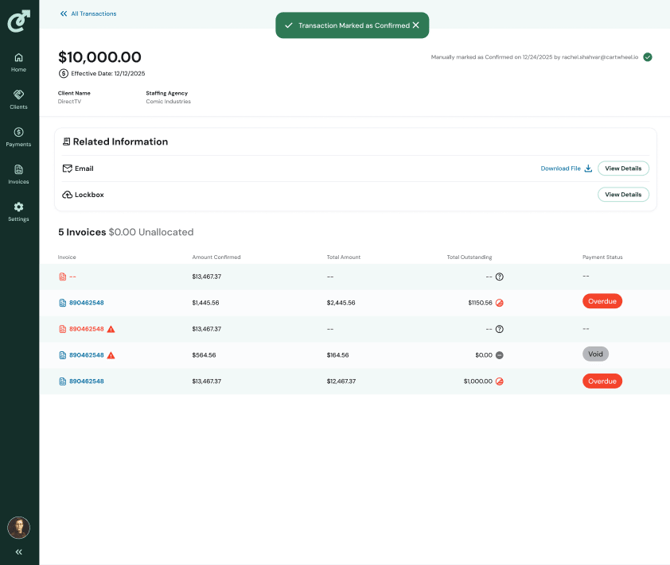
When you select to Mark as Confirmed it will return you to the transaction detail page, mark the transaction as cofirmed (with the visual of a full green circle and check mark), and the confirmed date and user stamp in the top right corner.