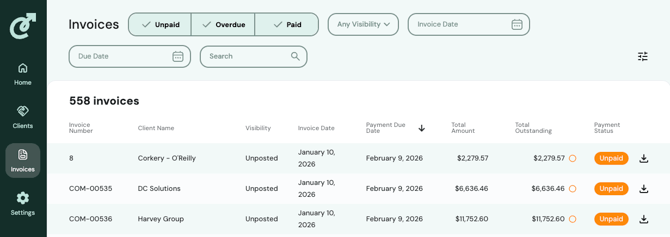
Invoice Date Filter
Filter invoices by any date range. When you are on the Invoice tab, to filter for a specific range, navigate to "Invoice Date" at the top of the page. Select the date range and the invoices for that period will automatically display.
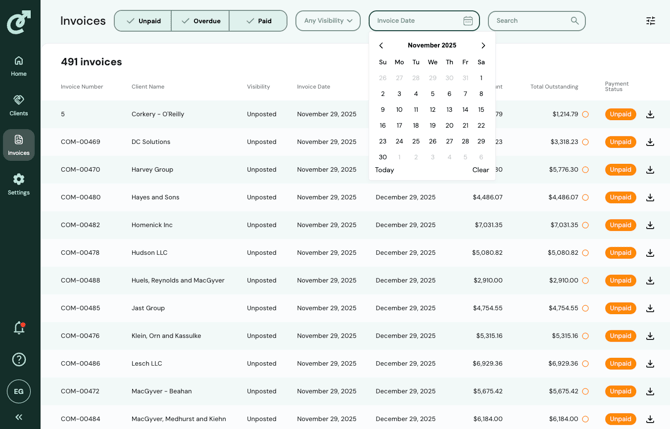
Select by Type with Multi-Select Filter
View only the invoice types you care about (unpaid, overdue, or paid) using a new multi-select menu. In the image you can see that each option is selected, therefore displaying all invoices.
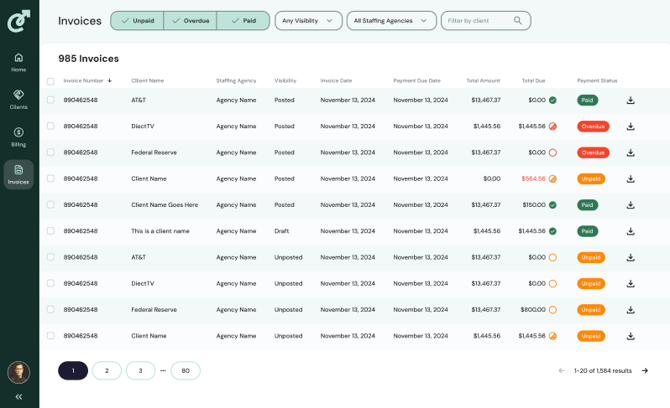
Filter by Due Date
You can also filter by due date, either ascending or descending, by clicking on the arrow above the Payment Due Date. To search for an exact date, or date range, click on the Due Date filter in the search bar and select your dates.